Hurricane Season Website Checklist for Florida Businesses
Storm season starts June 1. Six things every Florida business should have wired up on their website before the first named system forms.
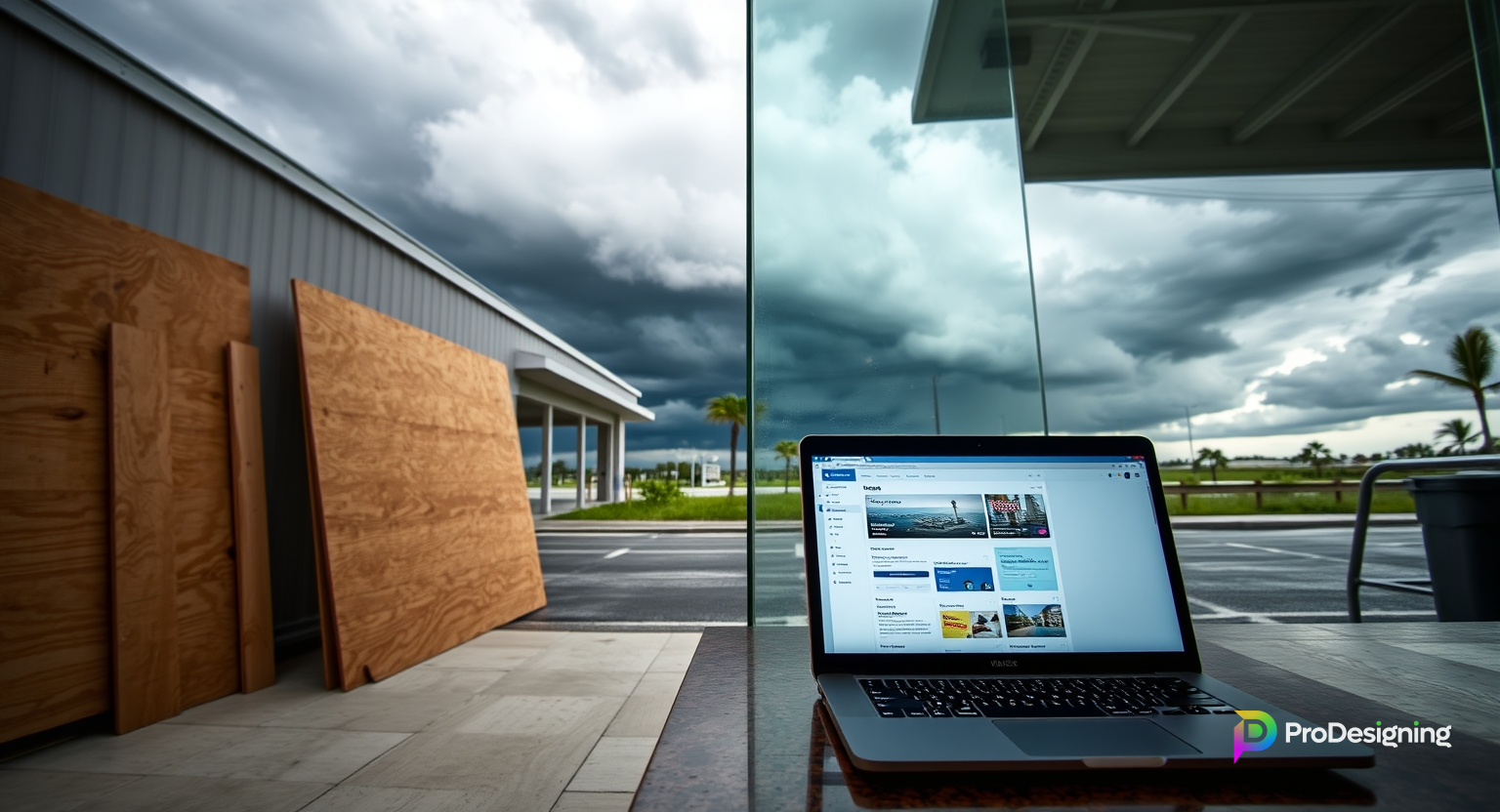
If you run a business in Central Florida, you already know the drill. June hits, the weather models start showing ripples off the African coast, and by August you're watching spaghetti plots on your phone at 11pm wondering if you need to board up.
What I've noticed across 24 years of supporting small businesses here: the ones that handle storms well have their website and communications pre-wired. The ones that struggle are the ones scrambling during the warning cone, trying to figure out how to tell customers they're closed.
Six things to have ready before the first named system forms. All doable in an afternoon if you start now.
1. Backups, verified off-site
Not "I have backups somewhere." Actual, tested, off-site backups.
Ask yourself: if the server my site runs on got hit by flooding tomorrow and was wiped, could I have the site live again in 24 hours from a fresh host? If the answer is anything less than "yes," you've got work to do.
The basics:
- Automated daily backups of your site files and database
- At least one copy stored outside your primary hosting provider (S3, Backblaze, Cloudflare R2, whatever)
- A restore test done at least once a year so you know the backups actually work
Storing backups "on the same server" is not backup. It's optimism.
2. A one-click status banner
Every Florida business website needs a storm banner that can be toggled on in about 60 seconds. Something like:
STORM UPDATE: We'll be closed Wednesday through Friday for Hurricane [Name]. Orders placed online will ship Monday. For anything urgent, text us at 407-555-0101.
The banner needs to show at the top of every page, be visually obvious without being obnoxious, and link to your current status details.
If your CMS doesn't have this as an easy toggle right now, get it added before June. When a storm is actually 36 hours out, nobody wants to be digging through FTP or editing theme files.
3. SMS alert list for customers
If you've got a customer SMS list (from loyalty or reservations or service alerts), pre-draft your storm messages now. Two templates:
Closure notice:
Hi from [Business] — due to Hurricane [Name] we'll be closed [dates]. We'll text again when we're back open. Stay safe. Reply STOP to opt out.
Re-open confirmation:
We're back open as of this morning. Power is restored, the team is in, and we're ready for you. Come see us. — [Business]
Having these ready means you're sending them at 9pm the night before you close, not at 7am while you're boarding windows.
One thing to be careful of: SMS deliverability gets iffy during major storm events because millions of alerts are hitting the same carriers. Send earlier than you'd normally think — don't wait until the morning of.
4. Domain, hosting, and SSL renewal buffer
This one bites people every year. A domain expires during a storm week, the site goes dark, and the owner discovers the registrar auto-renew was off or the credit card expired.
In April or May, make a list:
- Domain registrar: expiry date, auto-renew on, card current
- Hosting provider: same
- SSL cert (if not auto-managed): same
- Email hosting: same
- DNS provider: same
Put reminders on your calendar for 60 days before each renewal. Storms don't care that your auto-renew bounced on the 15th.
5. Voicemail and out-of-office messaging
If you have a business phone line, its voicemail greeting and auto-reply SMS should have storm-mode variants pre-written. Something like:
You've reached [Business]. We're closed due to Hurricane [Name] through Friday. For urgent matters, text this number and we'll respond when we can. Thanks for your patience — stay safe.
And the SMS auto-reply, similar tone. Set it up so flipping to "storm mode" is one checkbox in your phone system admin, not a full rewrite under pressure.
6. Post-storm reopening playbook
The first 48 hours after the storm passes matter more than most businesses realize. People are looking for open places, reassurance, normalcy. Your website and social should reflect "we're back" the minute you actually are.
Pre-draft:
- A homepage banner swap ("We're open — power restored and restocked. Come on in.")
- A GBP post with a timely photo (these are weighted heavily in local search)
- An email to your list
- An SMS to your text club
- A social post across whichever channels you actually use
Having templates for these means you can execute them in 10 minutes the morning after. Otherwise you're writing copy at 6am while you're also trying to get staff back and inventory sorted.
Bonus: the annual hurricane-prep check-in
Every May, I book an hour with each of my Florida clients to walk through their storm prep. Not because anything changes dramatically year-over-year — but because 11 months of "set it and forget it" means credit cards expire, staff turnover happens, passwords get forgotten, and the banner-toggle feature you paid for in 2024 might've broken in a theme update.
An hour, once a year. It's the cheapest insurance policy you've got.
If you're not sure where your business stands
Run through the six items above honestly. Anywhere you answered "I'm not sure" or "probably not" is the first thing to fix.
If you want a second set of eyes on your storm readiness — or you want the above built into your site so it's a one-click operation — reach out. I've been doing this for Central Florida businesses through enough storm seasons to know what actually matters, and what's just theater. Starting now is miles better than starting the week of the cone.